Virt-A-Mate is a 3D sandbox for lifelike characters and scenes. This launcher brings it all together — find and download content, keep your library tidy, and launch the game without the wait.
First install shows a Windows SmartScreen warning — click More info → Run anyway.
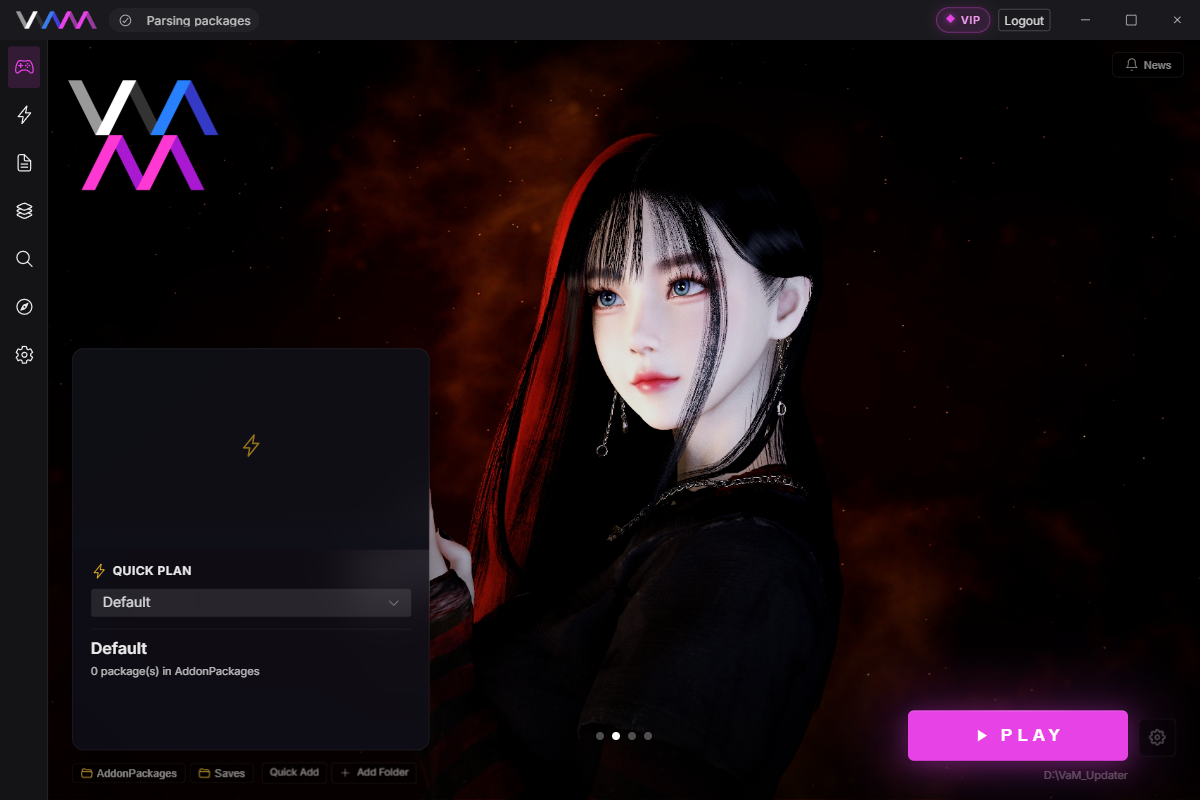
No more 10-minute boots, missing-dep panic mid-scene, or shuffling files in and out of AddonPackages by hand.
Save a Quick Plan with just the packages, presets, and dependencies one scene needs. Click PLAY — VaM boots with only that subset, even when your real library is 50,000+ files.
Category filters, search, and batch ops across the whole library. Sweep duplicates, old versions, and unused packages — to the Recycle Bin, recoverable.
Browse, sort, and preview Hub resources in-app (Pro). When the Hub doesn’t have a file, the launcher’s fallback source usually does — and downloads it directly to your library.
Silent background download, applied when you close the app — no SmartScreen, no restart prompt. Localized in English, 简体中文, 繁體中文, 日本語, 한국어, Polski, Русский, Tiếng Việt.
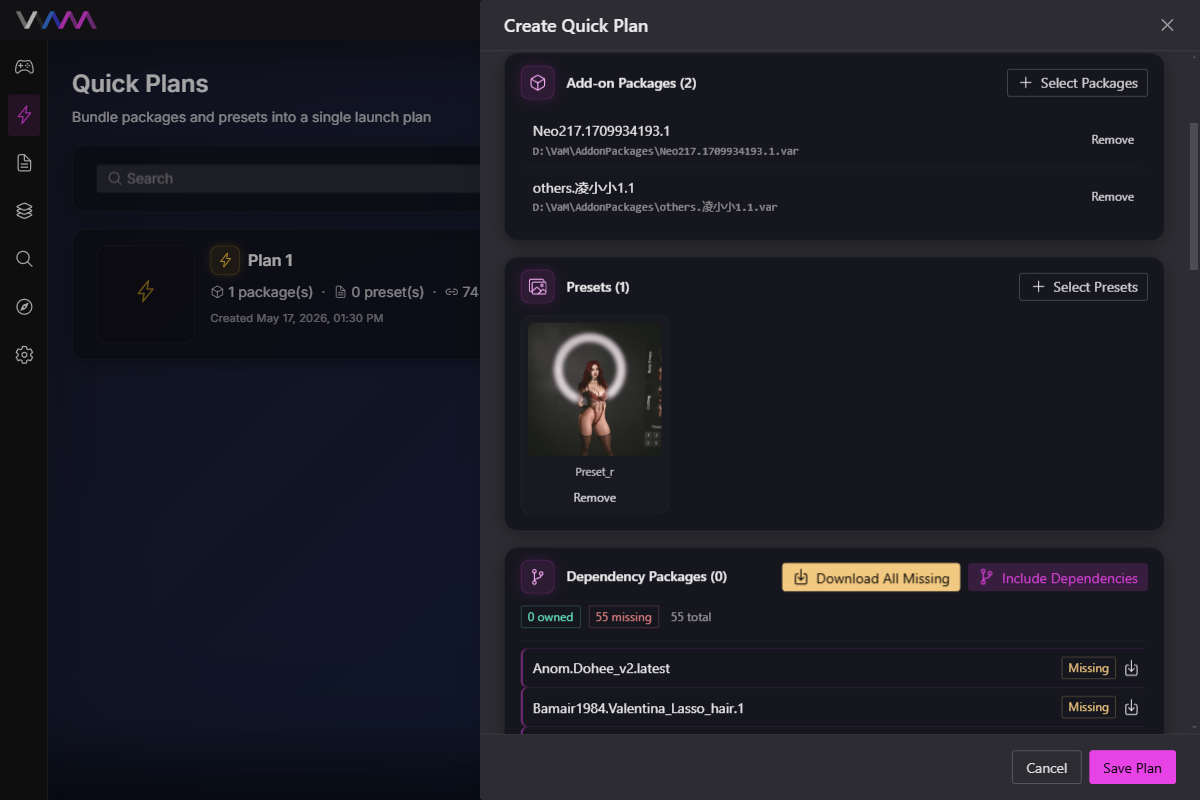
Vanilla VaM scans your entire AddonPackages folder before the main menu appears — fine at 200 files, painful at 10,000, unusable past 50,000. Quick Plan fixes that by telling VaM what to load, per scene.
Free download. Installs in under a minute. Updates silently after that.
Download for Windows